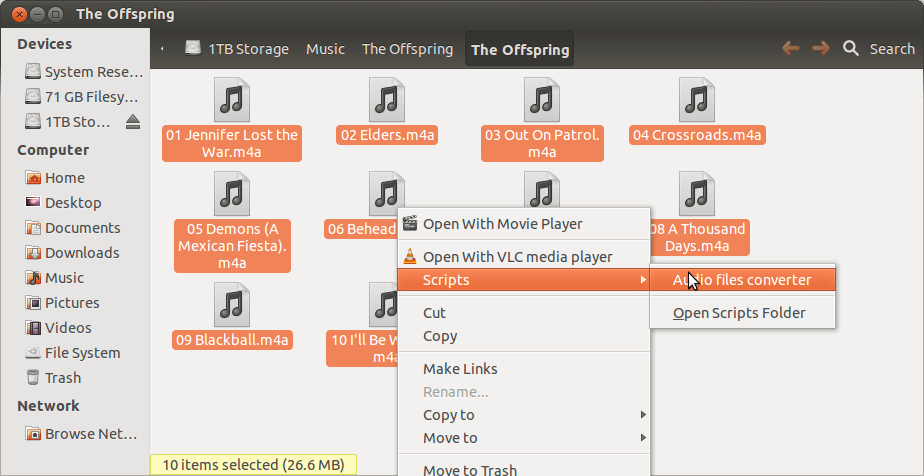
If you’re like me, you didn’t always make good decision growing up when choosing what tools you used to rip music onto you computer. I have a lot of music, much of which is a smattering of mp3, ogg, flac, wav, m4a, wma, etc. formats. Unfortunately, the stereo in my car only understands a small subset of these, so I needed an easy way to convert to mp3. It actually is pretty simple, but took some research, so here’s the steps I took using Ubuntu 12.04:
1) Install the script you need (note, all these commands should be typed into a terminal — to open this, open the launcher and type terminal, then open it):
sudo apt-get install nautilus-script-audio-convert
2) Activate it in Nautilus:
nautilus-scripts-manager enable ConvertAudioFile
Doing this will open a window, click the checkbox then close the window.
3) Install some extra codecs (including lame which is mp3)
sudo apt-get install lame vorbis-tools flac faac faad mplayer
That’s it, restart nautilus, then right click on an audio file (or files) and select the script:

Following this, you’ll be prompted to answer some questions, they’re pretty simple. For the second one, I selected the following:

After that, wait for it to finish, then you can keep or remove the files you don’t want and move on with you life. Enjoy!
 Jeff Ammons